
Subscribe to Newsletter
Enter your email address below and subscribe to our newsletter
Enter your email address below and subscribe to our newsletter


Introduction
Images carry a huge share of the load in online communication, digital marketing, education and creative work. Product photos, social media graphics, presentation slides and website illustrations all help people get their ideas across in a moment, often before a single word has been read. The background, though, has a habit of stealing the show. A beautiful vintage record player loses some of its charm when it’s sharing the frame with a tangle of cables and a radiator that badly needs painting. Removing unnecessary backgrounds lets creators produce cleaner visuals that fit all sorts of purposes and design needs.
Image background removal has become far more accessible thanks to advances in artificial intelligence (AI) and image-processing technology. Work that once called for specialist software and years of editing practice can now be done through fairly simple digital workflows. Knowing how this technology works, where it’s genuinely helpful and where it still struggles makes it much easier for people to make sensible choices when they’re creating visual content.
What Is Image Background Removal?
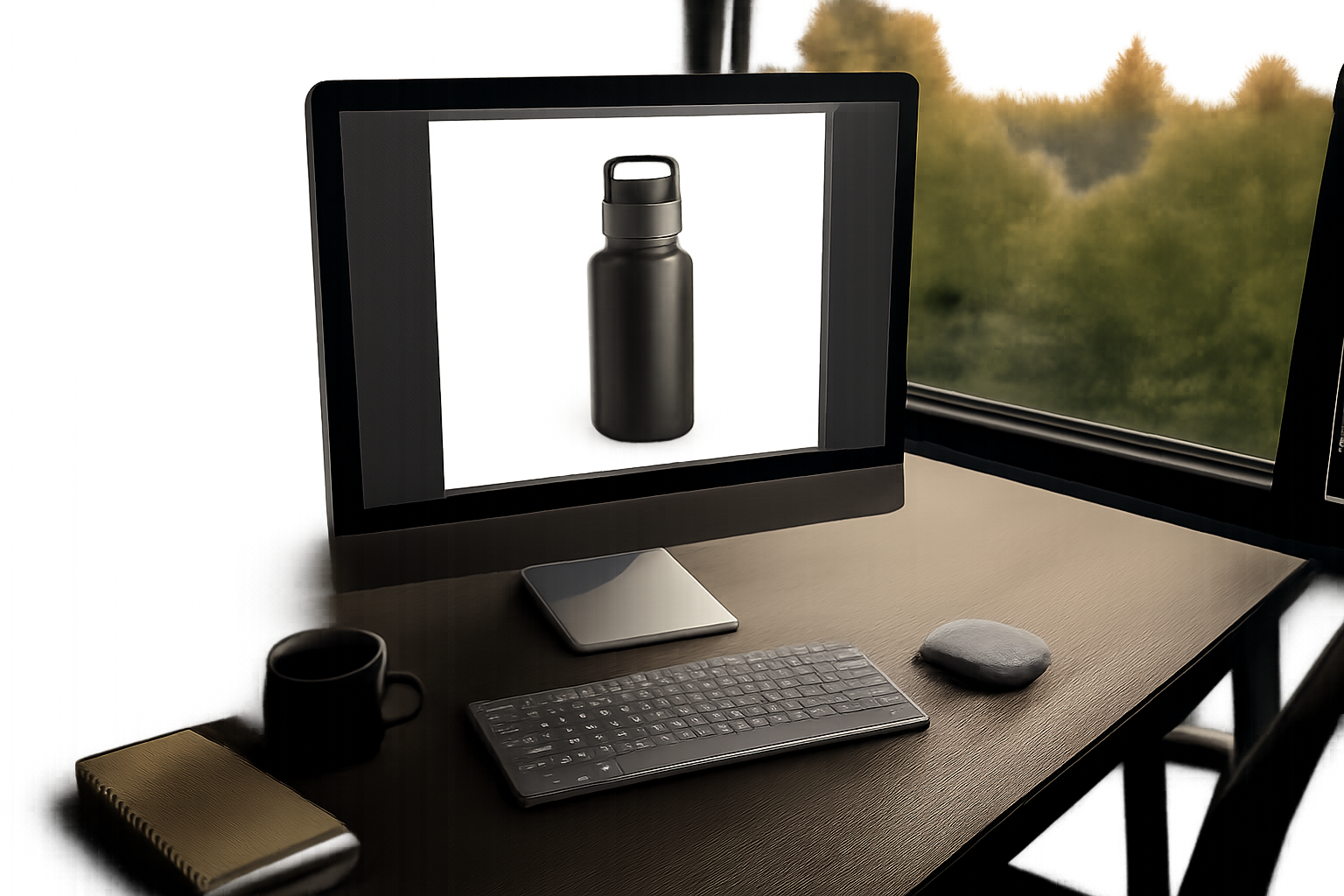
Image background removal is the process of separating the main subject of a photograph or graphic from the area around it. That subject might be a person, a product, an animal, an object or some other visual element. Once the background has gone, the subject can sit on a transparent canvas, a plain color or a completely different scene.
An online seller, for example, might photograph a product on the kitchen table, complete with breadcrumbs, a fruit bowl and the corner of yesterday’s newspaper creeping into the frame. Removing the original background means the product can be shown against a neutral backdrop that matches the rest of the store’s catalog. Customers see the item. They don’t see breakfast.
The process is just as useful for profile pictures, advertising materials, digital invitations, educational diagrams and presentation slides. Its main purpose is to make images more flexible, so nobody has to photograph the subject all over again just because it needs to appear somewhere new.
How Artificial Intelligence Simplifies Background Removal
Traditional background removal usually means selecting objects by hand, tracing their outlines and adjusting individual pixels. That approach can deliver beautifully precise results. It also demands patience and technical know-how, particularly with complicated shapes. Tracing round the strings and tuning pegs of a guitar leaning against a wall is the sort of task that can turn a quick job into a long evening.
AI-powered tools use image recognition and segmentation techniques to find the main subject and tell it apart from the background. These systems study visual features such as color, texture, edges, contrast and the overall structure of an object. From that information, the software works out which parts of the image ought to stay visible.
Many modern tools can handle portraits, products and everyday objects with very little manual input. People looking for a straightforward editing workflow may explore options such as a remover fundo de imagem to see how automated background separation could fit into their creative process.
Automated results aren’t always flawless, though. Fine hair, clear glass, shiny surfaces and objects that share colors with their backgrounds can all make clean separation harder. A rabbit’s soft, upright ears against a pale wall can leave even a clever tool unsure where the fur ends. For truly professional results, a close look at the edges and a few corrections may still be needed.
Common Uses of Background Removal
E-Commerce and Product Photography
Online shoppers depend on product images to understand exactly what they’re buying. Consistent backgrounds help them compare products side by side and make catalog pages look tidy and well organized. Removing distracting surroundings can also lift the appearance of product listings across websites and online marketplaces. A jar of local honey looks far more inviting on a clean backdrop than it does next to a pile of unopened post.
Editing still has to stay honest, though. A product’s real colors, proportions and defining features need to come through accurately. Heavy-handed editing can create misleading impressions, particularly when customers rely on photographs to judge an item’s condition or appearance. A secondhand pair of hiking boots that looks spotless online and arrives with scuffed toes and fraying laces is likely to earn a return and a very unhappy review.
Social Media and Digital Marketing
Content creators regularly combine photographs with text, shapes, icons and decorative touches. A transparent image makes it much easier to arrange these pieces without stray background colors getting in the way of the design.
A creator might place a portrait over a promotional graphic, for instance, or drop an isolated object into a themed social media post. A local charity promoting a fun run could take a cheerful photo of a volunteer in a bright running vest and set it against the event’s colors in a matter of minutes. Treating images consistently also helps a brand stay recognizable across several platforms, so followers know who a post belongs to before they’ve even read the caption.
Presentations and Educational Materials
Teachers, students and professionals often use images to explain ideas. Removing an unnecessary background can make a diagram or object much easier to understand, especially when several visual elements share the same slide. Nobody learns much from a picture where the subject is fighting for attention with a cluttered shelf behind it.
Isolated images are also useful in reports, training materials, digital worksheets and instructional videos. A cookery tutor preparing a handout, for example, can show each ingredient on its own rather than as part of a busy shot of the whole worktop. The key is making sure the edited visual supports the explanation instead of distracting the audience from it.
Personal and Creative Projects
Background removal is just as valuable for personal photography, greeting cards, digital scrapbooks, invitations and creative compositions. People can move subjects around, try out different colors or combine several images into a design that feels entirely their own. A family putting together a retirement card for a much-loved colleague might gather photos from years of office parties and arrange them neatly on a single page.
These uses show that the technology isn’t only for commercial work. It supports everyday creativity for people at every level of editing experience, from complete beginners to seasoned designers.
Tips for Achieving Better Results
The quality of the original photograph has a big influence on the final result. Images with clear subjects, decent lighting and enough contrast generally make background separation far easier.
A few practical steps tend to improve the outcome:
Simple checks like these prevent many of the most common editing problems and make a noticeable difference to the overall quality of visual content.
Challenges and Limitations
For all its convenience, background removal technology has its limits. AI systems may struggle when the subject and background share similar colors, or when several objects overlap. A bunch of keys lying on a grey stone step is a classic example. Thin structures, shadows, reflections and transparent materials can all lead to imperfect results as well.
Image resolution matters too. A low-quality source image may simply lack the detail needed for clean outlines, even when it’s processed with advanced software. A small, grainy photo pulled from an old message thread can only be improved so far.
Privacy deserves careful thought as well. Before uploading photographs to an online editing service, it’s sensible for users to read its privacy policy and understand how uploaded files may be processed or stored. Sensitive photographs and confidential business images call for particular care. A picture of an heirloom ring for an insurance claim, or a product design that hasn’t launched yet, is very different from a holiday snap of the seaside.
Conclusion
Image background removal has become a practical part of modern digital content creation. By separating subjects from distracting surroundings, it helps improve product photography, social media graphics, presentations and personal projects. AI technology has made the process much more accessible, although a careful review is still important for detailed or tricky images.
Good source photographs, careful attention to edges, the right file formats and a sensible approach to privacy all lead to better results. With a balanced understanding of what it can and can’t do, background removal becomes a genuinely useful technique for creating clear, flexible and visually effective digital content.